

View Any Website's Source Code Instantly with the Free SoloKit Source Code Viewer
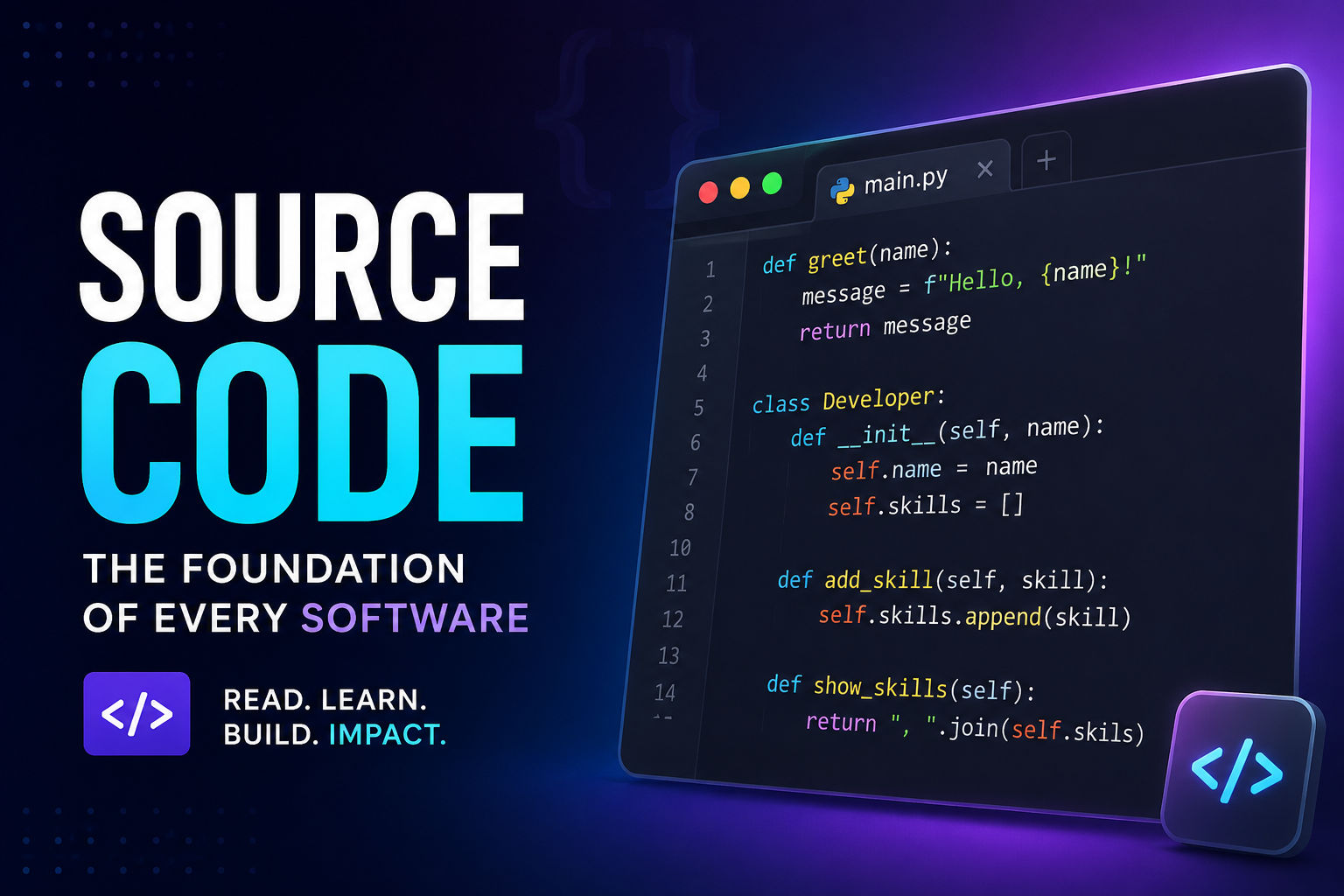
Every website you visit is built with code. Behind the colors, buttons, images, and layouts lies a structure of HTML, CSS, and JavaScript that tells your browser what to display and how to display it.
That structure is called source code — and being able to view it is one of the fastest ways to learn web development, debug issues, analyze competitors, and understand how any page works.
The SoloKit Source Code Viewer makes this process effortless. You enter a URL, click one button, and instantly see the full HTML source of any public webpage. No developer tools. No browser extensions. No signup.
In this post, you'll learn exactly what source code is, why you should care about it, how to use the SoloKit Source Code Viewer, and what to look for when inspecting a page.
What Is Source Code?
Source code is the human-readable code that developers write to create a website. When you open a webpage, your browser downloads this code and uses it to render the page you see.There are three main types of source code on a typical webpage:
1. HTML (HyperText Markup Language)
HTML gives a page its structure. It defines headings, paragraphs, images, links, buttons, forms, and every other element on the page.
2. CSS (Cascading Style Sheets)
CSS controls how the page looks. Colors, fonts, spacing, layouts, animations — all of it comes from CSS.3. JavaScript
JavaScript makes a page interactive. Dropdown menus, sliders, popups, form validation, and dynamic content are typically powered by JavaScript.When you view a page's source code, you're mostly seeing its HTML, along with links to external CSS and JavaScript files.
Why View Source Code?
People inspect source code for many reasons. Here are the most common ones:
1. Learn Web Development
If you're learning HTML, CSS, or JavaScript, reading the source code of real websites is one of the best ways to understand how professional developers structure their work.
You can see how they organize headings, how they link stylesheets, how they use meta tags, and how they embed scripts.
2. Debug Website Issues
If your website isn't displaying correctly, viewing the source can help you find problems quickly. Missing closing tags, broken links, or unclosed elements are easy to spot when you look at the raw HTML.
3. Check SEO Tags
SEO is heavily influenced by what's in your source code. By viewing a page's HTML, you can check:
- Title tags
- Meta descriptions
- Open Graph tags
- Canonical URLs
- Heading structure
- Alt text on images
4. Analyze Competitors
Want to know what tools, scripts, or plugins a competitor is using? Their source code often reveals everything — analytics tools, ad networks, CSS frameworks, JavaScript libraries, and more.
If you installed Google Analytics, Facebook Pixel, Hotjar, or any other tracking tool, viewing your source code is the quickest way to confirm the code is actually present and firing correctly.
6. Find Hidden Information
Many websites include hidden information in their source code, such as:- Comments left by developers
- Author information
- Template or theme names
- Structured data for search engines
Using the tool is simple. Here's how it works:
- Open the SoloKit Source Code Viewer
- Type or paste the full URL of the webpage you want to inspect
- Click the Fetch Source button
- The tool loads the page and displays its complete HTML source code
That's it. No terminal. No browser extensions. No developer tools. No signup required.
What the Tool Shows You
- The complete HTML document
- Meta tags in the head section
- Links to external CSS files
- Script tags for JavaScript
- Inline styles
- Image URLs
- Tracking snippets
- Structured data markup
- Comments in the code
Source Code Viewer vs. Browser Developer Tools
Most modern browsers have built-in developer tools that also let you view source code. So why use the SoloKit Source Code Viewer?
Here's a comparison:
| Feature | Browser DevTools | SoloKit Source Code Viewer |
|---|---|---|
| Setup required | No, but you need to know the shortcut | No |
| Technical knowledge | Medium | None |
| Quick source viewing | Yes | Yes |
| Easy to copy and share code | No | Yes |
| Works on mobile browsers | Limited | Yes |
| Beginner friendly | No | Yes |
| No browser extensions needed | Yes | Yes |
| Inspect dynamic changes | Yes | No |
If you're already comfortable with DevTools, keep using them. But for beginners, mobile users, and anyone who wants a fast, simple way to view source code, the SoloKit Source Code Viewer is the better option.
Common Things to Look For in Source Code
Here are some of the most useful things you can find when inspecting a page's source code:
Title Tag
The title tag tells search engines and visitors what the page is about. It appears in browser tabs and search results.
Meta Description
The meta description is the short summary that often appears below the title in Google results.
Open Graph Tags
Open Graph tags control how your page looks when shared on Facebook, LinkedIn, and other platforms.
Twitter Card Tags
Twitter Card tags control how your page appears when shared on Twitter.
Canonical URL
The canonical URL tells search engines which version of a page is the main one, helping prevent duplicate content issues.
Viewport Meta Tag
This tag is essential for mobile-friendly websites.
Stylesheet Links
These show where the page's CSS files are located.
JavaScript Files
These show which scripts the page loads.
Tracking Codes
Look for snippets from Google Analytics, Facebook Pixel, Hotjar, and other analytics or marketing tools.
Structured Data
Many sites include JSON-LD structured data that helps search engines understand the page content.
Who Should Use the SoloKit Source Code Viewer?
This tool is useful for:
- Students learning HTML and web development
- Bloggers checking their SEO tags
- Small business owners verifying tracking codes
- Freelancers auditing client websites
- Marketers analyzing competitor strategies
- Curious beginners who want to understand how websites work
Limitations of Viewing Source Code
While viewing source code is powerful, there are a few things to keep in mind:
- You can only see the original HTML sent by the server. Content added dynamically by JavaScript may not appear in the initial source.
- CSS and JavaScript are usually in separate files, so you'll see links rather than the full code.
- Some websites use code obfuscation, making the source harder to read.
- Source code is often minified, removing spaces and line breaks to reduce file size.
Despite these limitations, viewing source code is still one of the most valuable skills any website owner or developer can learn.
Why We Built This Tool
Many website owners, students, and small business owners don't know that viewing source code is possible — or they find browser developer tools intimidating.
We built the SoloKit Source Code Viewer to remove that barrier. Now anyone can inspect a webpage by simply typing a URL and clicking a button.
No tutorials. No keyboard shortcuts. No confusion.
Final Thoughts
Understanding source code is a superpower. It helps you learn faster, debug smarter, analyze competitors, and improve your own website.
With the SoloKit Source Code Viewer, that power is now available to everyone — free.
Try it now: solokit.sbs/code
Explore more free tools: solokit.sbs
Comments (0)
Leave a Comment
No comments yet. Be the first to share your thoughts!